
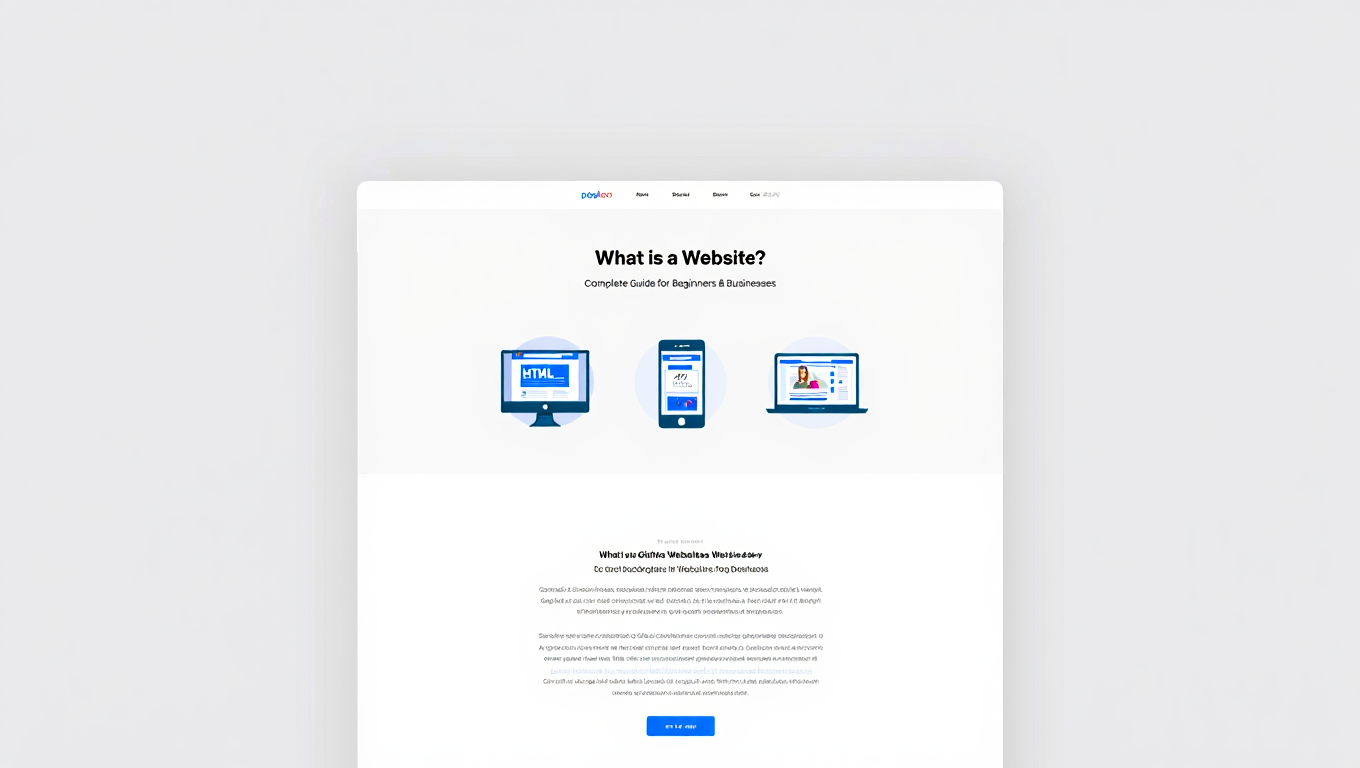
When you hear the word website, what comes to mind? Maybe it’s Google, Facebook, YouTube, or your favorite online store. At its simplest, a website is a collection of web pages connected together and made available on the internet. But that explanation hardly does justice to the importance of websites today. They are no longer just pages of text and images, they are gateways to information, learning, entertainment, business, and global connection.
In this article, we’ll first break down what a website is in clear, beginner-friendly language. You’ll learn the basic parts, how websites work, the different types that exist, and why they matter to everyone from students to small businesses. Then, we’ll move into a more professional and strategic perspective, exploring how websites function as powerful tools for branding, marketing, sales, and long-term business growth. By the end, you’ll see that a website is more than an online address, it’s a living, breathing extension of identity and purpose.
The Basics of a Website
What Exactly Is a Website?
A website is a collection of digital pages, often written in HTML (Hypertext Markup Language), that can contain text, images, videos, links, and interactive features. These pages are linked together and stored on a server. When you type in a web address like www.example.com or click a link, your device connects to that server and retrieves the page for you to view in a browser such as Chrome, Safari, or Firefox.
Think of a website like a digital book. Each page is a web page, and the whole book together is the website. The only difference is that unlike a book, a website can be updated instantly, accessed from anywhere, and often contains interactive features.
The Building Blocks of a Website
- Domain Name
- This is the website’s unique address on the internet. For example, google.com or rafenthic.com.
- Without a domain, people wouldn’t know how to reach your site.
- Hosting
- Hosting is where the website lives. Imagine renting space in a building. Hosting is like renting space on a server that’s connected to the internet.
- Companies like Bluehost, SiteGround, or AWS provide hosting services.
- Web Server
- A server is a special computer that stores the website’s files and makes them available when someone requests them through a browser.
- Browser
- Browsers like Chrome or Edge are the software tools that translate code into something humans can read and interact with.
- Web Pages
- The individual pages of content that make up a site. For example, the “About Us” page, the homepage, or a blog post.
Types of Websites
- Informational Websites
- Provide knowledge, news, or updates. Examples: Wikipedia, BBC News.
- Business Websites
- Showcase a company’s products, services, and contact information. Almost every company today needs one.
- E-Commerce Websites
- Designed for buying and selling online. Examples: Amazon, Shopify-based stores.
- Social Media Platforms
- Allow people to connect and share content. Examples: Facebook, Instagram.
- Educational Websites
- Offer learning resources. Examples: Khan Academy, Coursera.
- Portfolio Websites
- Used by artists, designers, and professionals to showcase their work.
- Government Websites
- Provide services, information, and resources for citizens. Example: irs.gov.
How Does a Website Work?
Here’s a simplified version of what happens when you visit a website:
- You type a domain name (e.g., www.apple.com) into your browser.
- The browser asks the Domain Name System (DNS) where that domain is located.
- The DNS returns the server’s IP address.
- The browser connects to the server and requests the files.
- The server sends back the files, which the browser displays as a web page.
On the backend, coding languages like PHP, Python, or JavaScript often run to handle interactive functions. On the frontend, HTML, CSS, and JavaScript control what you see and interact with.
Key Features of a Website
- Navigation: Menus, links, and buttons that guide users.
- Content: Articles, images, videos, and more.
- Interactivity: Forms, quizzes, search bars, and chatbots.
- Security: HTTPS encryption to keep data safe.
- Responsiveness: Websites today must work across devices, from phones to tablets to desktops.
A Short History of Websites
- 1991: The first website was created by Tim Berners-Lee. It was just text explaining how the World Wide Web worked.
- 1990s: Simple static websites with limited graphics.
- 2000s: Rise of interactive features, social media, and e-commerce.
- 2010s: Mobile-first design became standard as smartphones grew.
- Today: Websites are dynamic, personalized, AI-enhanced, and often deeply integrated with apps and services.
Why Websites Matter for Everyone
- Students
- Use them for learning, research, and building personal portfolios.
- Businesses
- Reach customers, sell products, and establish credibility.
- Professionals
- Showcase work, network, and build a digital brand.
- Communities
- Share knowledge, resources, and cultural identity.
The Future of Websites
Websites will keep evolving. We already see:
- AI-powered personalization (websites that adapt to individual users).
- Voice navigation for accessibility.
- Virtual and augmented reality websites offering immersive experiences.
- Faster, lighter, mobile-first frameworks for global access.
Websites aren’t disappearing, they’re becoming more central to daily life.
The Professional and Strategic Perspective
Websites as Business Assets
From a professional point of view, a website isn’t just a collection of pages, it’s an asset that carries value. For many customers, the first interaction with a business happens online. If the website looks outdated, loads slowly, or lacks clarity, potential clients may lose trust before they ever reach out.
A polished, professional website:
- Builds credibility (people trust businesses with strong online presence).
- Acts as a digital storefront that’s open 24/7.
- Centralizes marketing efforts, serving as the hub for SEO, advertising, and social campaigns.
Strategic Value of Websites
- Lead Generation
- A website can convert visitors into leads with forms, calls-to-action, and offers.
- Sales and Revenue
- For e-commerce, the website itself is the store. For service businesses, it’s the pipeline to inquiries and bookings.
- Data and Analytics
- Tools like Google Analytics help businesses understand customer behavior and adjust strategy.
- Recruitment and Partnerships
- Companies use websites to attract talent and build credibility with investors and collaborators.
Custom vs. Template Websites
- Template-based websites (like Wix or WordPress themes) are affordable and quick to set up, but limited in scalability and unique branding.
- Custom-built websites require more investment but allow full control, better performance, and long-term ROI.
- The choice depends on goals and budget. For a serious, growing business, custom website is usually the strategic path.
The Role of Design and User Experience
Design isn’t just about looks. It’s about how effectively the site guides a visitor toward a desired action. A well-designed website balances:
- Usability: Easy navigation, fast loading.
- Aesthetics: Visual appeal that reflects brand identity.
- Conversions: Turning visitors into customers.
Even small design tweaks, like improving mobile responsiveness or simplifying forms, can significantly increase results.
The Website in the Bigger Digital Ecosystem
A website doesn’t exist in isolation. It connects with:
- Social media (driving traffic and engagement).
- Email marketing (retaining and nurturing leads).
- Customer Relationship Management (CRM) tools.
- Advertising platforms (Google Ads, Facebook Ads).
In short, it’s the center of gravity in a business’s digital strategy.
Future Outlook for Businesses
Looking forward, websites will become more:
- Personalized: AI adapting content for each visitor.
- Integrated: Seamlessly linking to apps, voice assistants, and IoT devices.
- Conversion-driven: Focused less on static information and more on measurable results.
Businesses that treat websites as living, evolving assets—not one-time projects—will stay ahead.
Conclusion
So, what is a website? On the surface, it’s a collection of digital pages linked together and displayed in a browser. But in reality, it’s much more. It’s a student’s tool for learning, an artist’s gallery, a shop owner’s storefront, and a global company’s most valuable marketing channel.
From the educational basics to the strategic business perspective, the message is clear: a website is no longer optional. It’s the foundation of digital presence and the key to staying relevant in an online-first world.
Whether you’re just learning about websites for the first time or thinking about how to maximize one for business success, remember this: a website is not just where people find you. It’s where people experience you. And in the digital age, that experience shapes everything.